
A player, a mixer and FX racks in one engine.
Your own plugins, your own drum roll samples, four decks on two-channel hardware, all fired from the controller you already own.
Join the waitlistWhat DJ software should already do
- Drum rolls: beat-locked rolls from a pad, no extra hardware needed.
- Custom FX racks: build your own effect chains and fire them from one pad.
- VST3 plugins: your plugin folder, live in the set, tempo-synced to the track.
- Clean stems: separated once, ahead of time, at full quality, not smeared in real time.
- USB sticks, both directions: read a stick prepared for standalone players, write one that plays on club gear.
- A library that behaves: one folder on your music drive, portable between machines.
- Set recording that remembers: mark the moments that worked as they happen, and get every track change timestamped with deck, key and BPM.
- Four decks on two-channel hardware: no controller upgrade needed.
- Mapping without a manual: assign any control by clicking it on a picture of your controller.
- A second screen: your phone or iPad beside the deck, showing everything that's engaged.
MixRack does all of it.
Two ways to run it
DJ mode
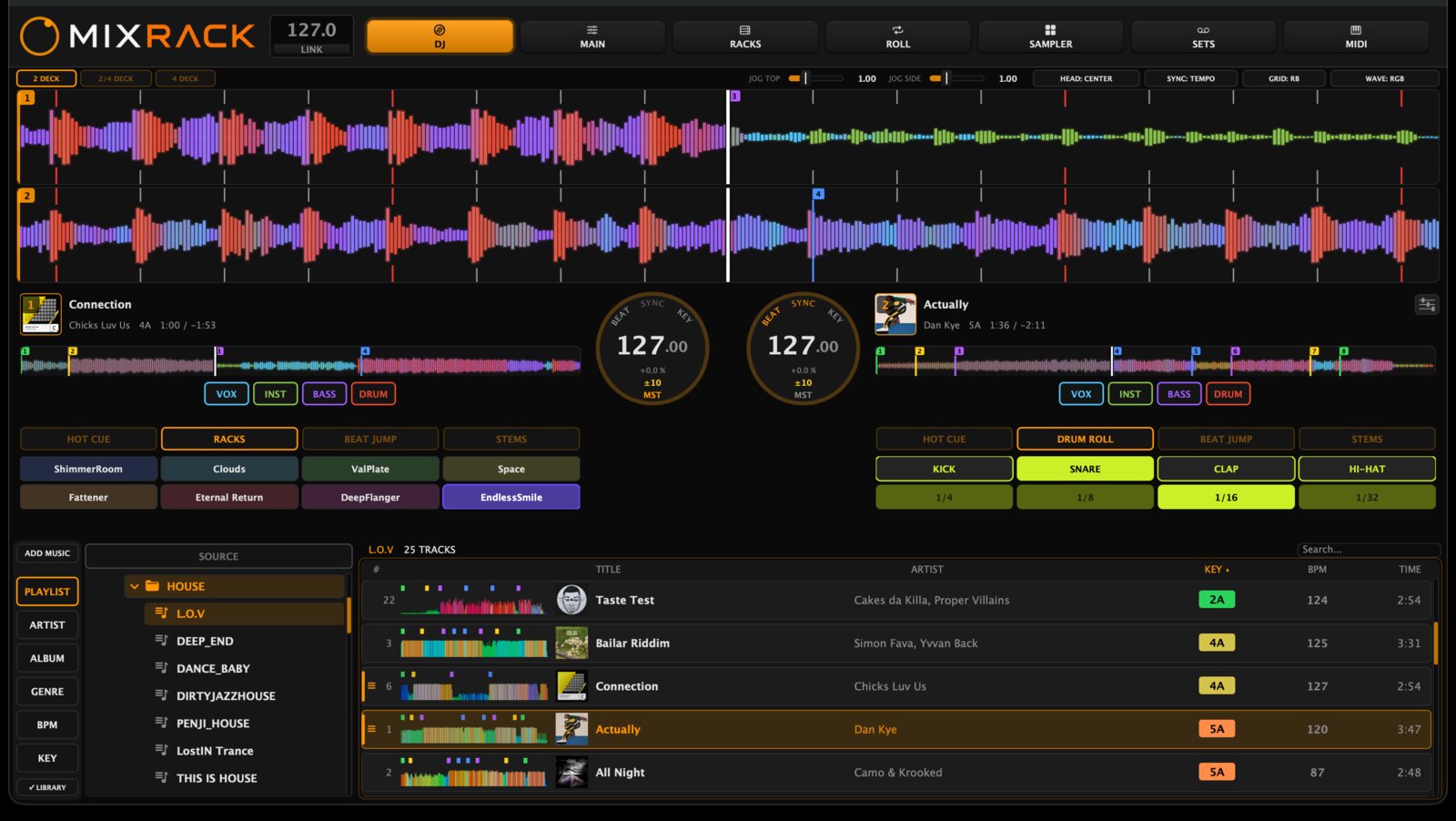
MixRack is the player. Four decks, your own library, beatgrids and hot cues it works out itself, with the mixer, FX racks and drum rolls in the same engine.
Mixer mode
Set MixRack as the external mixer in rekordbox and your library, decks and workflow stay where they are. Every deck's audio runs through MixRack.
The player
- A library that travels
- Playlists, grids, cues and keys live in one folder next to your music. Move the drive to any machine, macOS or Windows, and it's all there.
- Clean stems
- Separated ahead of the set, not guessed in real time, so they hold up mid-mix. Kill vocals, instruments, bass or drums per deck.
- Beatgrid detection
- Tempo, key and grid worked out on load. Nudge, halve, double or re-anchor on the deck while the track plays.
- USB, both ways
- Read a stick made for standalone players, and write one that plays on club gear. Artwork included, in both database formats.
The FX rack
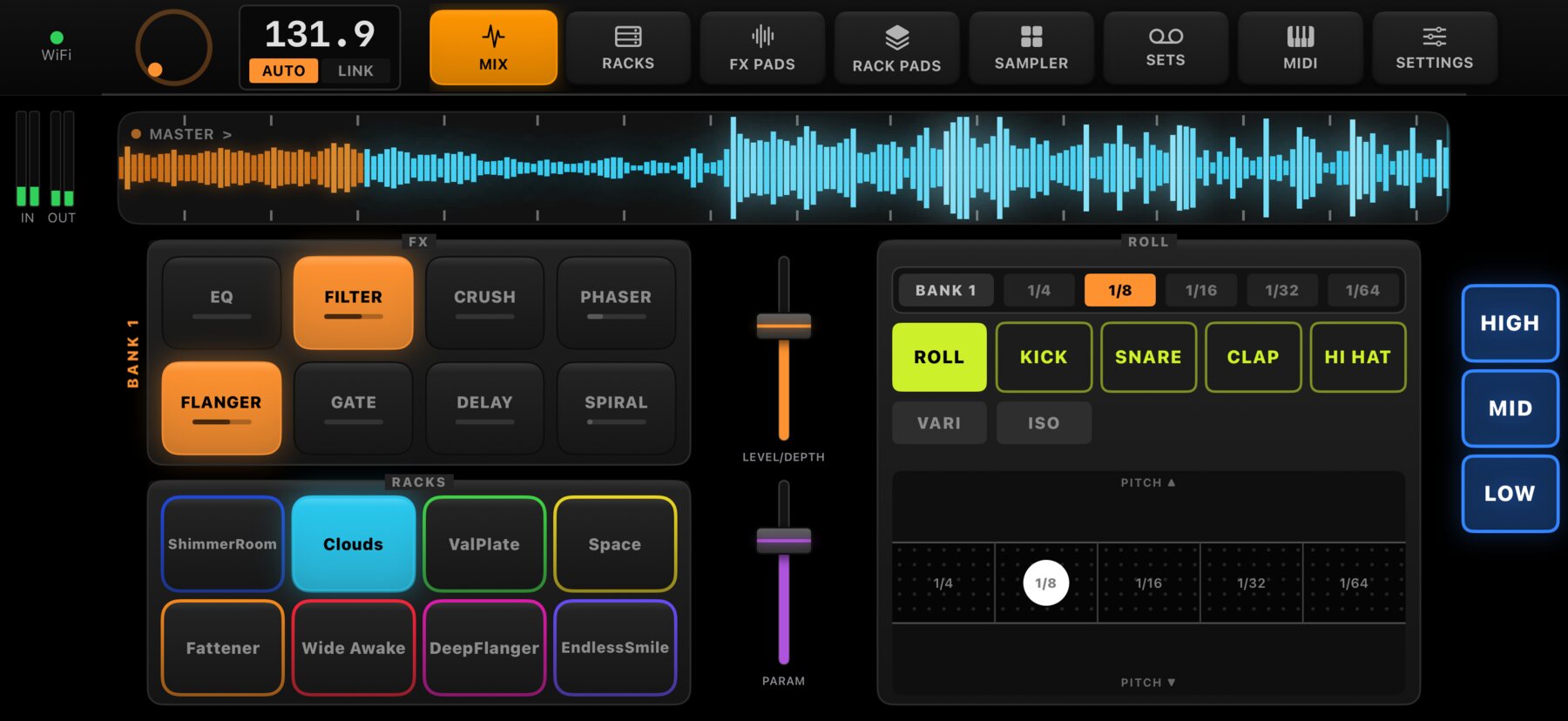
- Custom FX racks
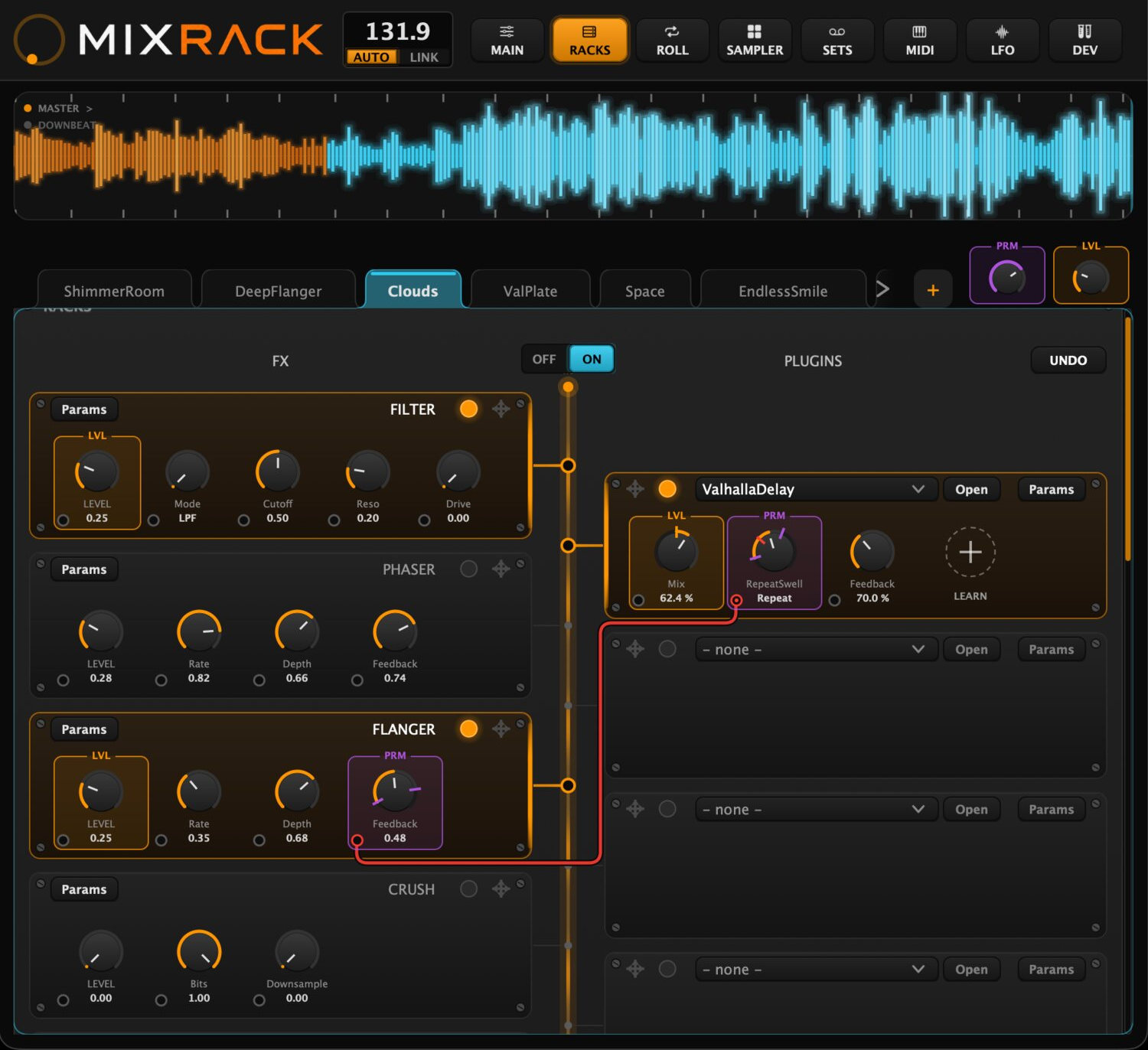
- Chain effects in any order, save it as a named rack, fire the whole thing from one pad.
- Two macro knobs
- The FX LEVEL knob you already use brings the whole chain in. PARAMETER morphs it while it runs.
- VST3 plugins
- Your own plugin folder, live in the set, tempo-synced and macro-mapped like the built-ins.
- Drum rolls
- Grid-locked rolls at any rate, from a pad or an X-pad, with your own samples.
- Beat-release FX
- Throw an echo out over the next eight beats and let it end itself, on the beat, hands free.
- Back spin & brake
- Momentum-based spins and brake stops that carry past where a small jog wheel runs out.
- Live sampler
- Beat-synced pads, one-shot kits, and loop capture that grabs the last bars after they've played.
The booth
- 2 → 4 deck mixing
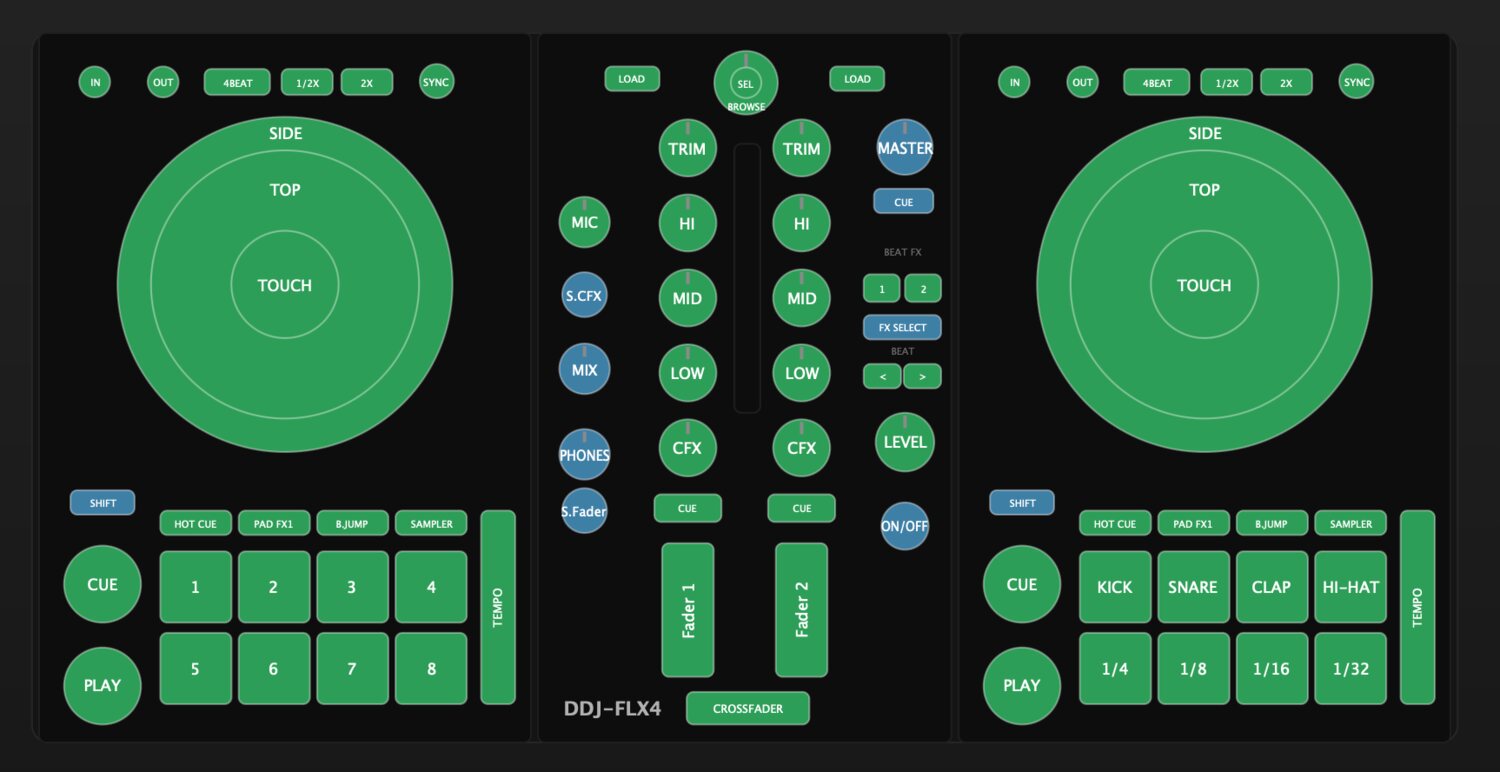
- Turns a 2-channel controller like the DDJ-FLX4 into a real 4-deck controller. No hardware upgrade.
- The second screen
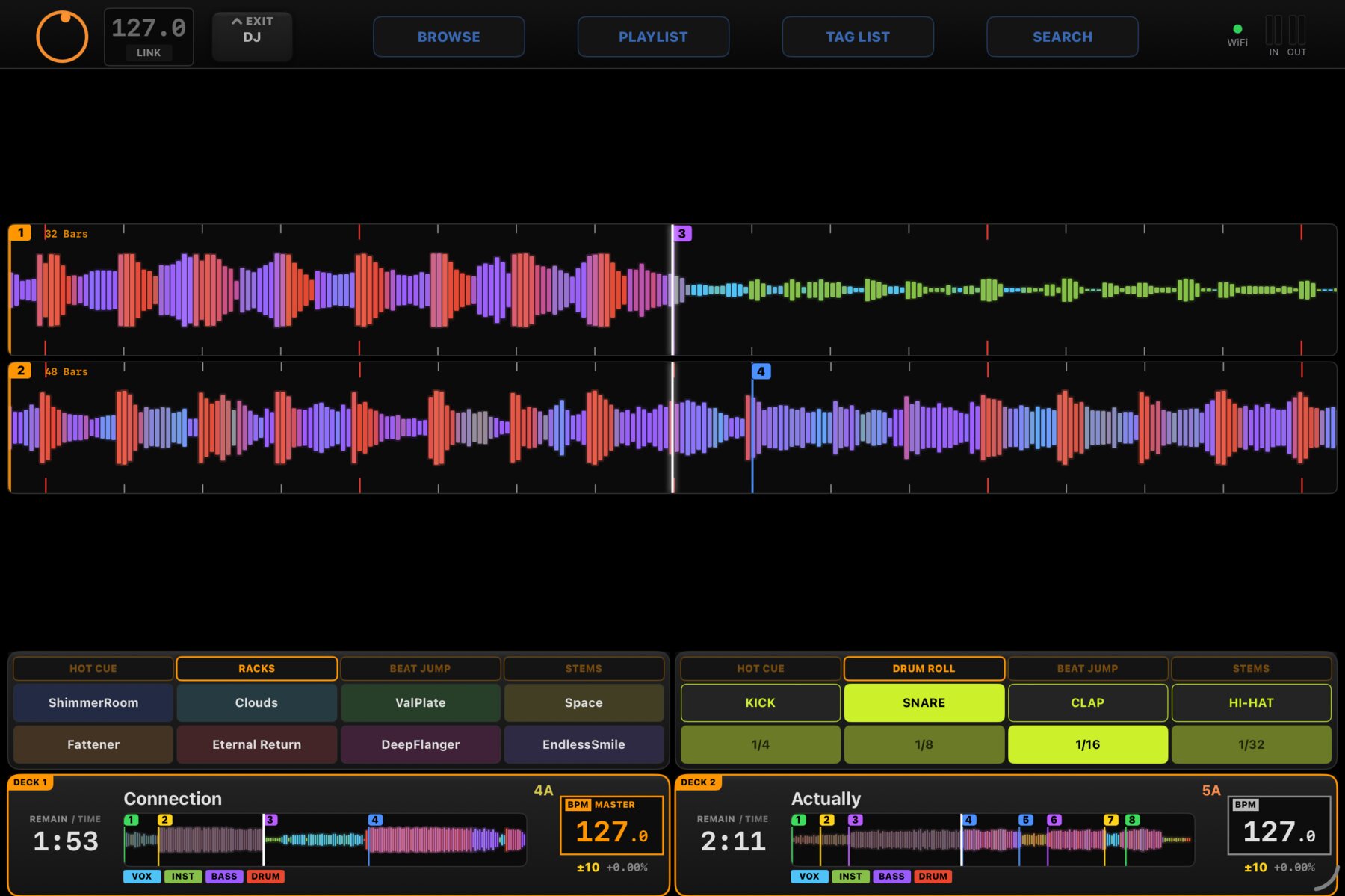
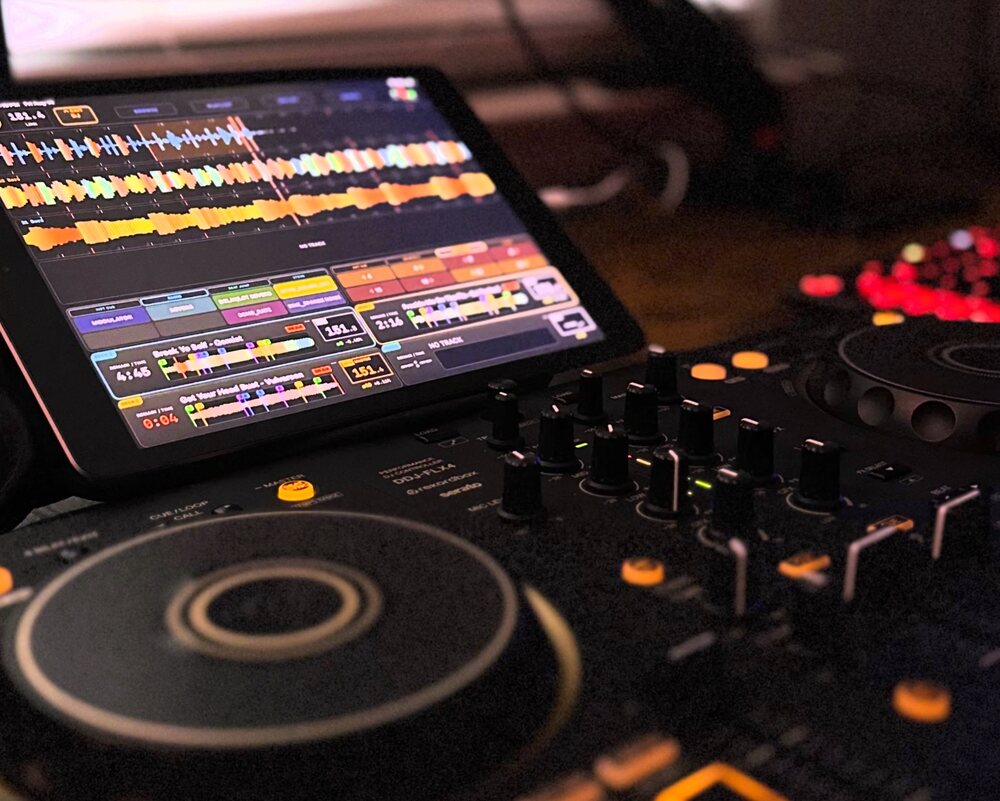
- Waveforms, browser, per-deck EQ, pads, FX and racks on the phone or iPad beside the deck.
- Map it to anything
- Click the control on screen, move it on your deck, and it's mapped.
- Set recording
- Record full sets and drop named markers live, so you can find the combinations that worked.
- Ableton Link
- Every effect and sample lands on the beat, across your whole setup.
How it fits your setup
Install MixRack. It brings its own audio driver. Nothing else to download.
Point it at your music library. Or use it as an external mixer in your existing DJ software.
Play. Fire everything from your controller's pads and knobs.
Coming soon
macOS & Windows · Full DJ software · External mixer · Companion app for iPhone & iPad